GameLift Server
Installing the Plugin
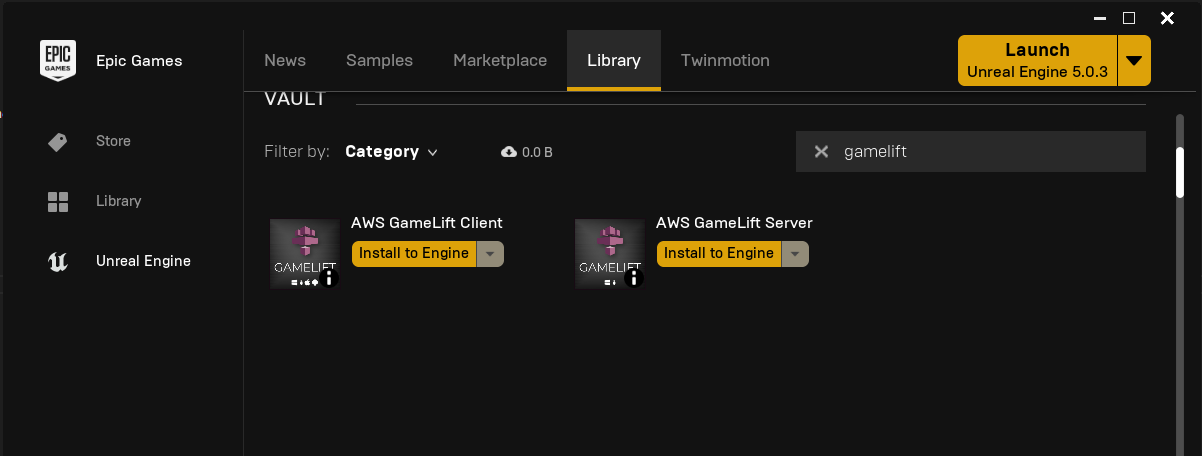
Install the plugin to your engine from the Epic Games Launcher.
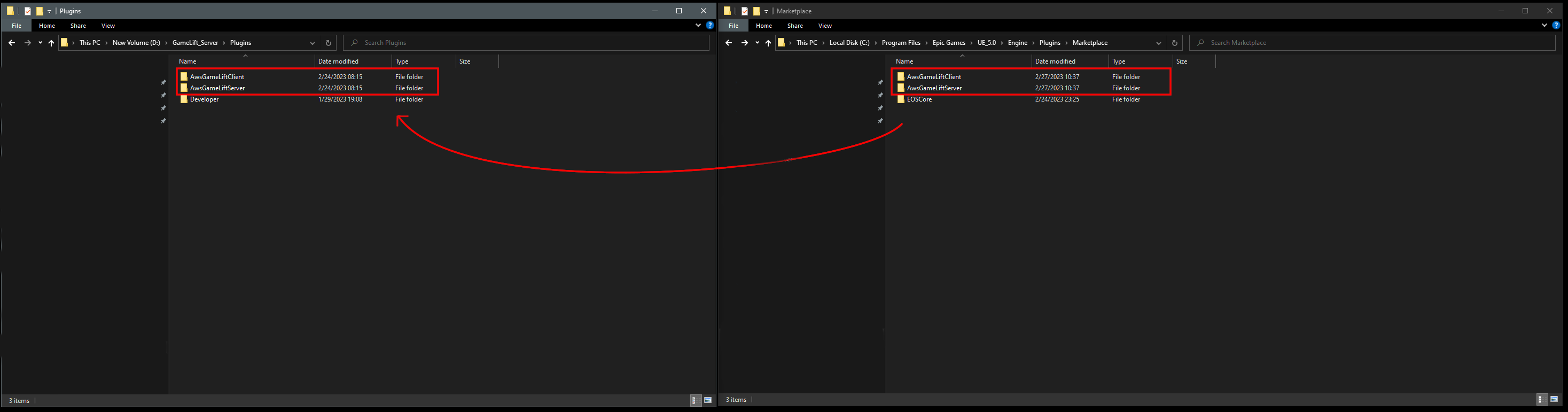
Move the plugin to your project
The launcher installs the plugin in the engine's Marketplace folder, for example:
C:\Program Files\Epic Games\UE_5.x\Engine\Plugins\Marketplace
Move the plugin folder to the Plugins folder of your project. Create the Plugins folder if your project doesn't have one.
warning
Move the plugin, do not copy it. If the plugin is in both the engine and the project, the engine may load the wrong one.
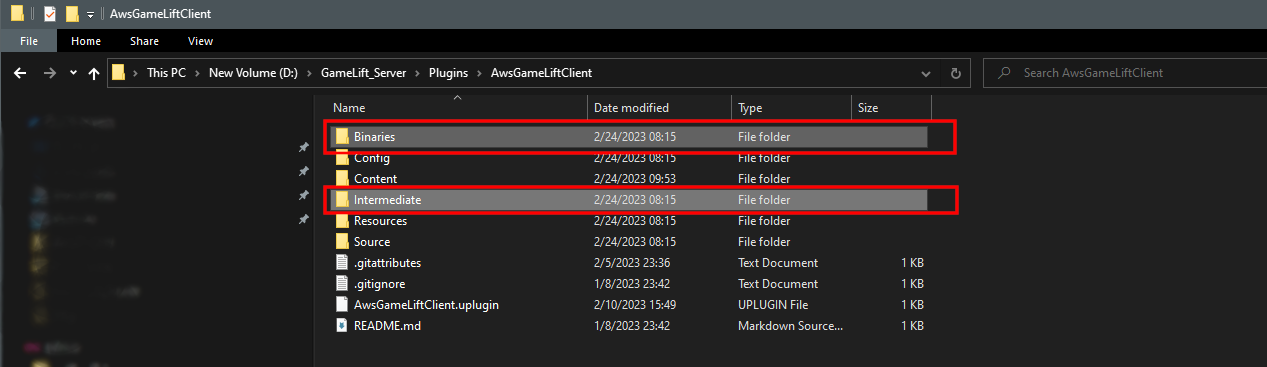
Clean the plugin
Delete the Binaries and Intermediate folders inside the plugin folder, so the plugin is built together with your project.
Enable the plugin
Open your project, go to Edit > Plugins, search for GameLiftServer and enable it. Restart the editor when asked.
Next: Using the Plugin