GameLift Server
Updating the Plugin
The Epic Games Launcher does not always update plugins properly. A clean install is the safest way to update.
Remove the old plugin from the engine
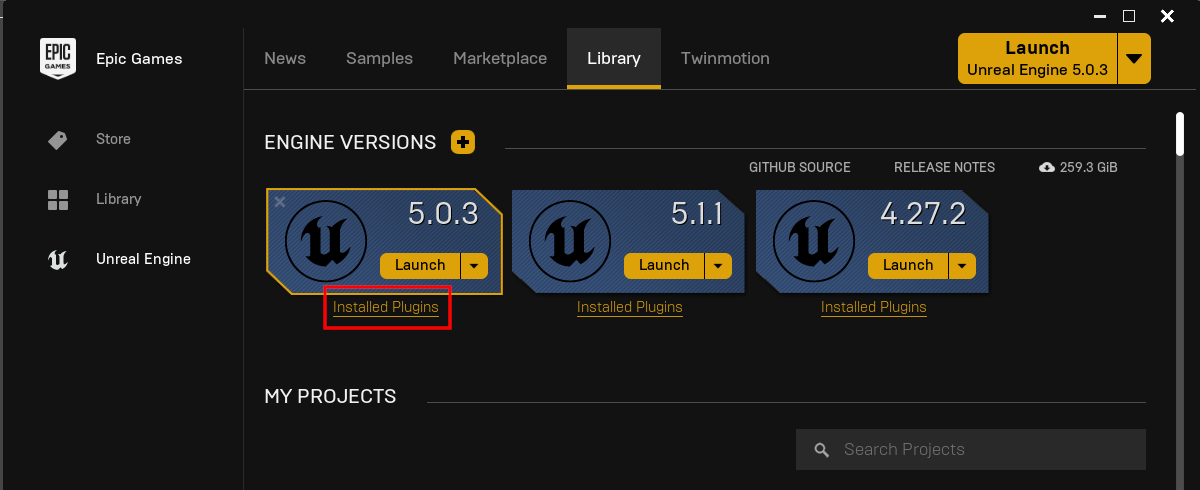
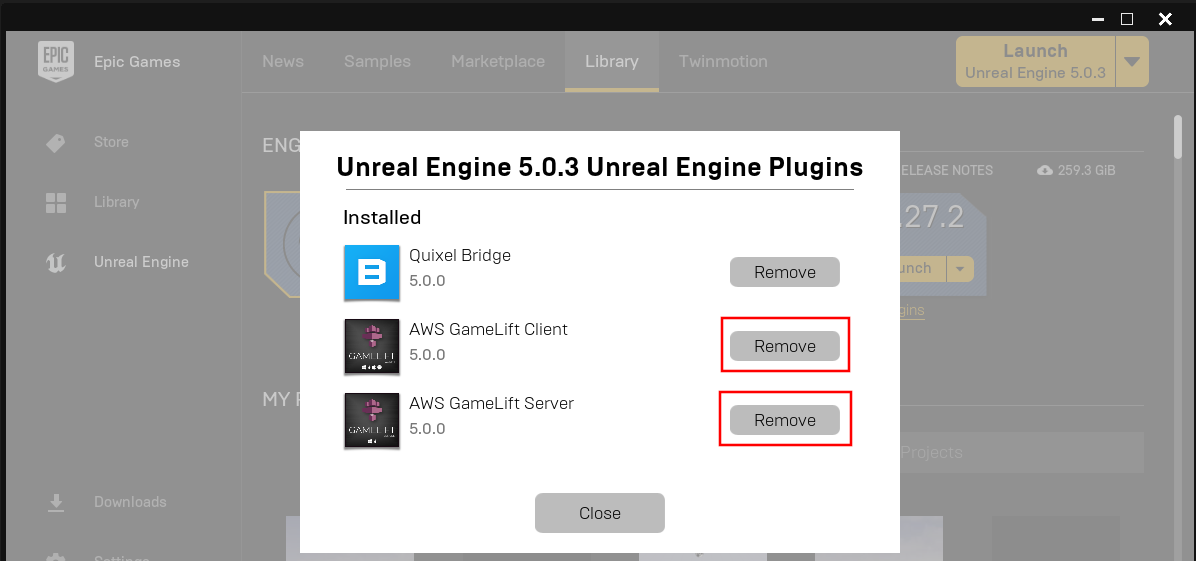
Open Installed Plugins for your engine version in the launcher and remove the plugin.
Delete the plugin from your project
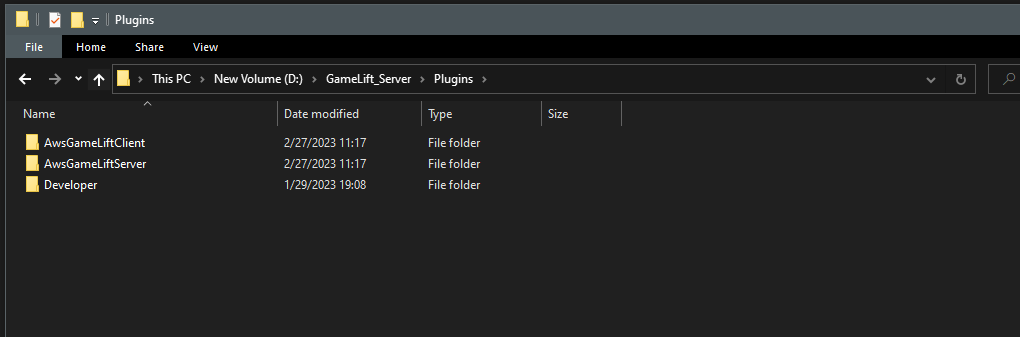
Delete the plugin folder from the Plugins folder of your project.
Install the new version
Install the plugin again from the launcher and follow the install instructions.